YouTube
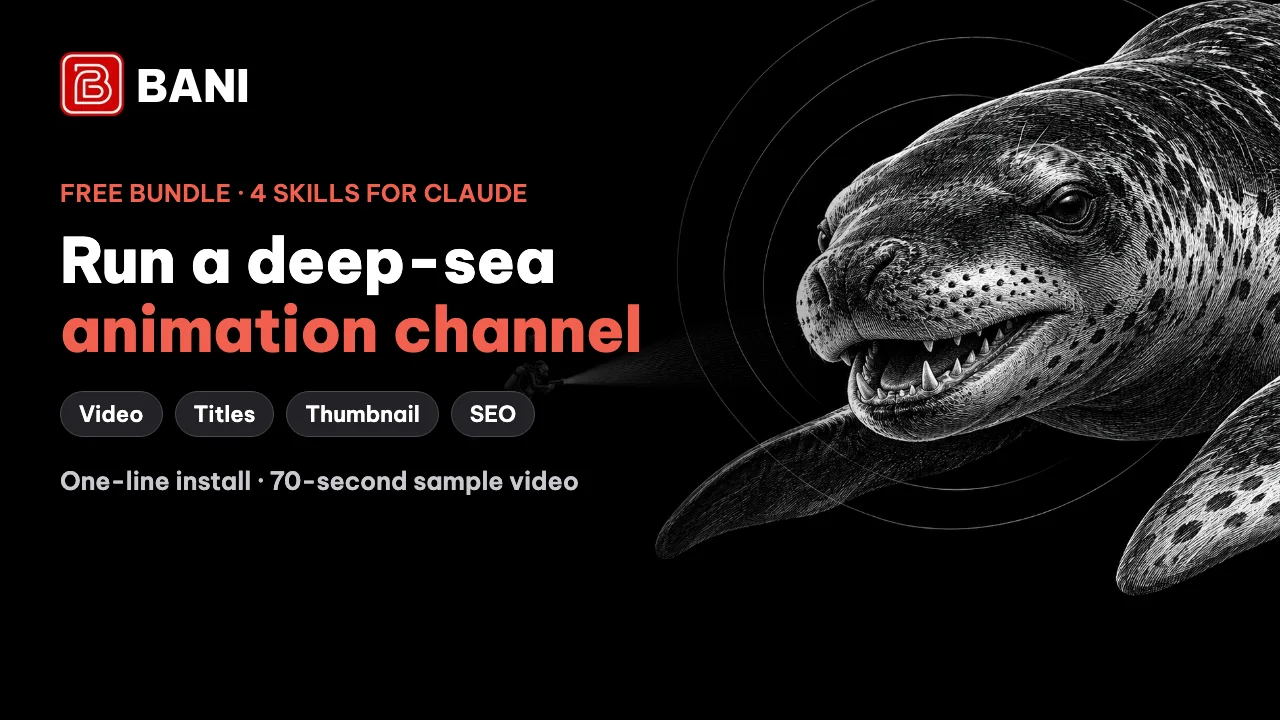
Deep-sea animation channel bundle — 4 Claude skills (video, titles, thumbnail, SEO)
A free bundle of 4 Claude skills to make a complete English YouTube video in the flat-animation deep-sea creature style, following the "Why You'd Never Want To Meet A [animal]" format: (1) build the animated video in code (Remotion), synced line by line to the voiceover; (2) write titles with 4 formulas plus a scorer; (3) make a black-and-white engraving thumbnail with an "IT SEES YOU.." caption and a red arrow; (4) an SEO pack: description, timestamps, tags, sources and a pinned comment. One-line install, with a 70-second sample video and a sample thumbnail.
Free →
Video editing
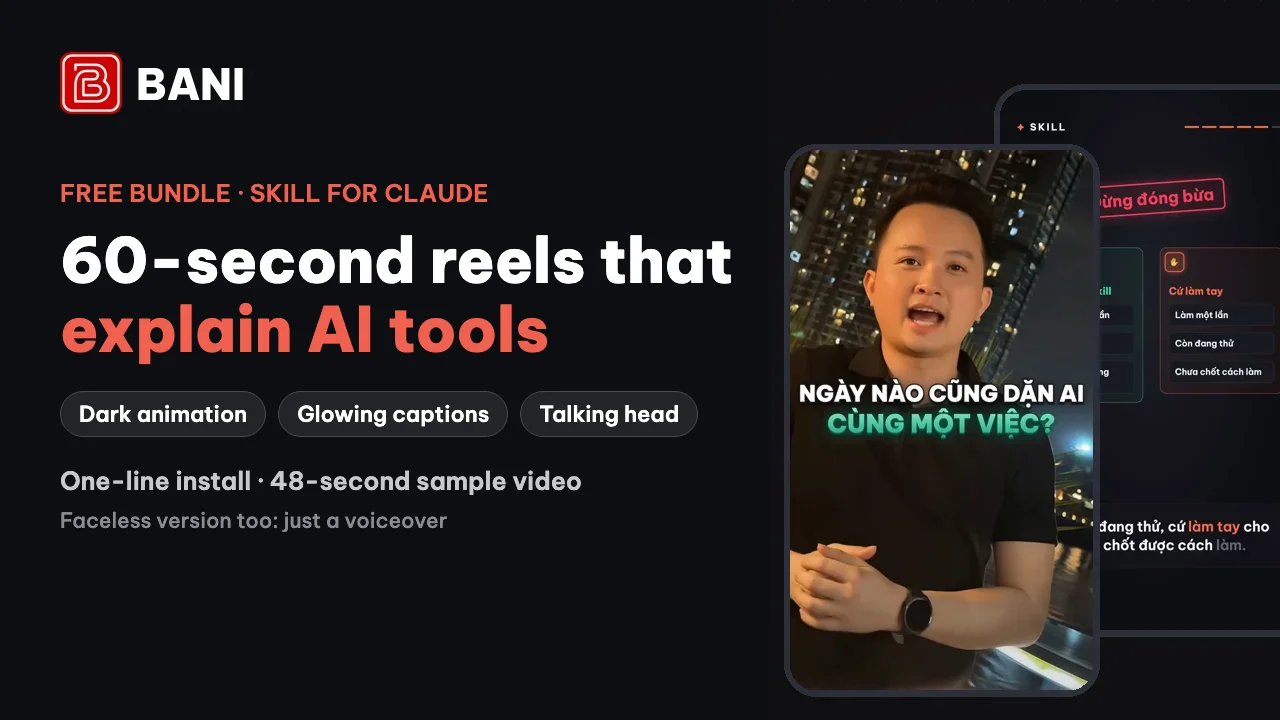
60-second AI tool explainer reel bundle (Claude + Remotion)
A free Claude bundle to build 50–60 second vertical 9:16 reels that explain AI tools (what a Skill is, what MCP is, 5 prompts you can use today…). The default style is a dark animated look drawn in code (Remotion): glowing icons, a progress bar, captions that light up with the voice and keywords in orange. Voiceover, background music, sound effects and social-media loudness are wired in. You can add a talking-head shot of yourself, lip-synced from one portrait photo. Comes with the build engine, a one-line installer and a 48-second sample video.
Free →
YouTube
11 YouTube channel skills for Claude
A free set of 11 skills you install into Claude to run a YouTube channel: write scripts with 5 openers picked from 21 scored formulas, get title and thumbnail ideas, read retention rates, handle SEO, split videos into chapters, reply to comments and make Shorts.
Free →
Content · AI
Convert PDF, Word and Excel files to text for AI
A free tool from Microsoft that converts PDF, Word, Excel and PowerPoint files into Markdown text, keeping headings, tables and lists so AI assistants read them more accurately. There is also a version that plugs straight into desktop AI apps (MCP, a connector that lets AI use tools).
Free →
Video editing
Make subtitles, translate them and add AI voiceover
A desktop app that covers the whole subtitle workflow: pull the speech out of a video with a speech-to-text model that supports Vietnamese, translate the subtitles into other languages, add AI voiceover or clone a voice, then burn the subtitles into the video, all running offline.
Free →